
How to buy medicines on the PepPill App for consumers
Downloading the PepPill App
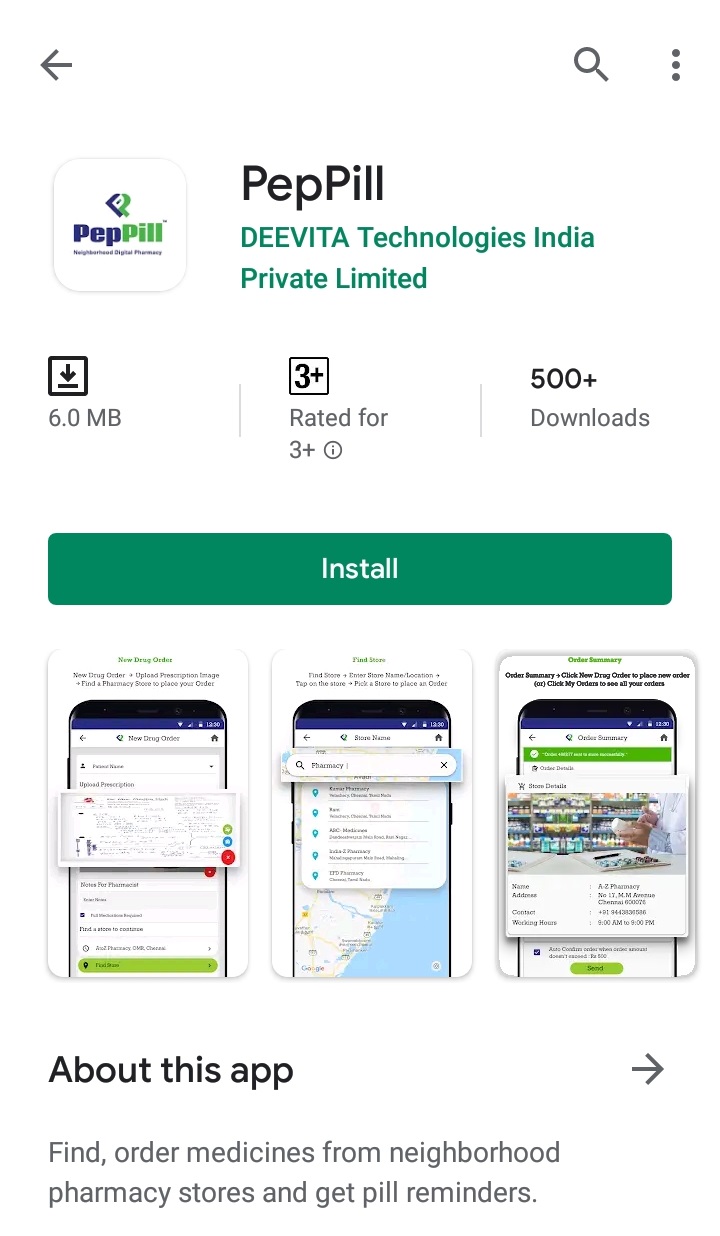
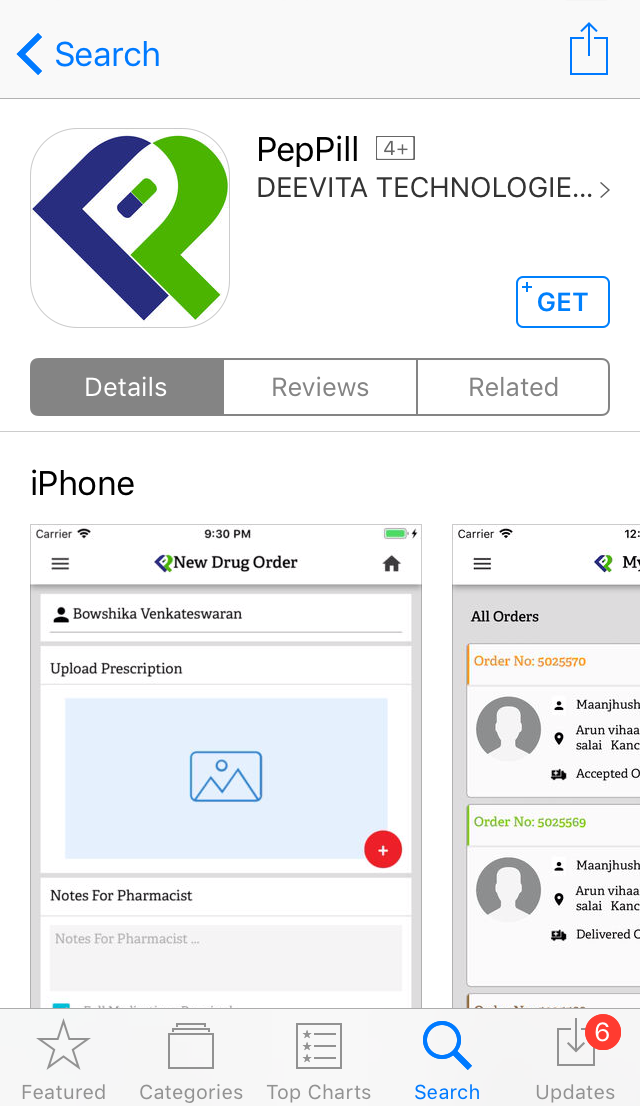
Download the PepPill app from Google Play Store (or) iOS App Store
Android – https://bit.ly/2XG8mTu
iOS – https://apple.co/2ZYYbXm
Android App


iOS App


Ordering on the PepPill App
- Open the PepPill App and sign up for the first time.
- Next, click on ‘ORDER FOR ME’ to start placing your order.
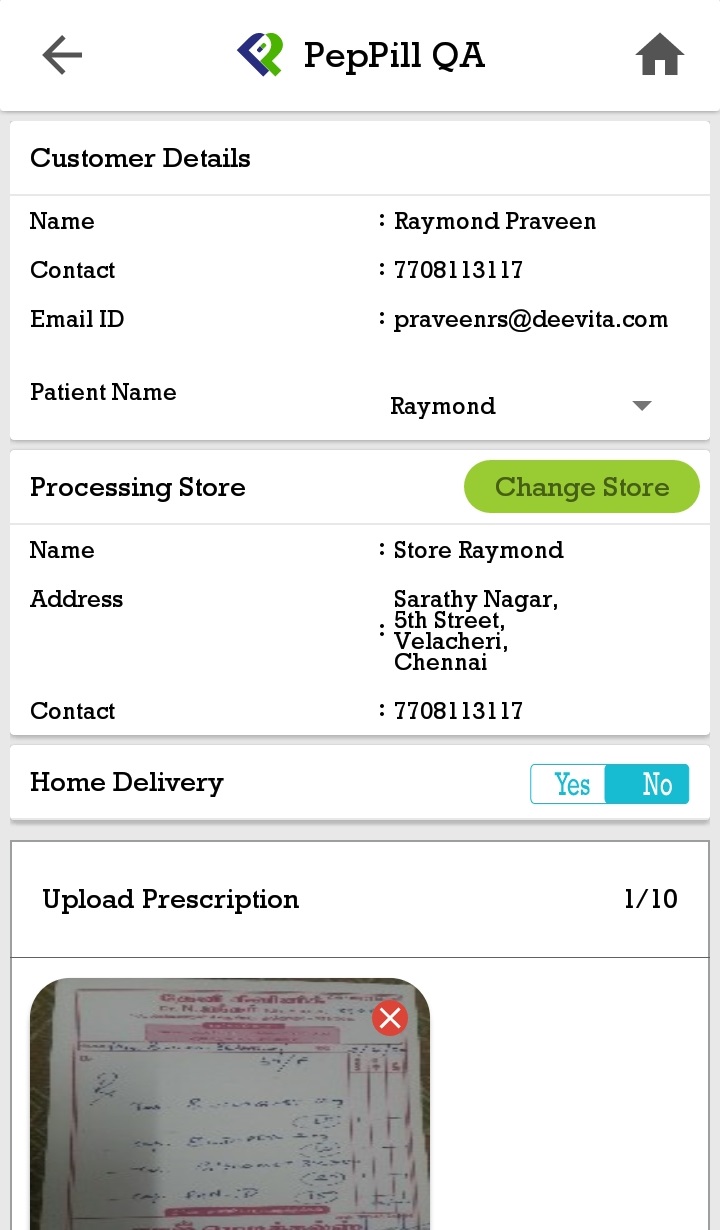
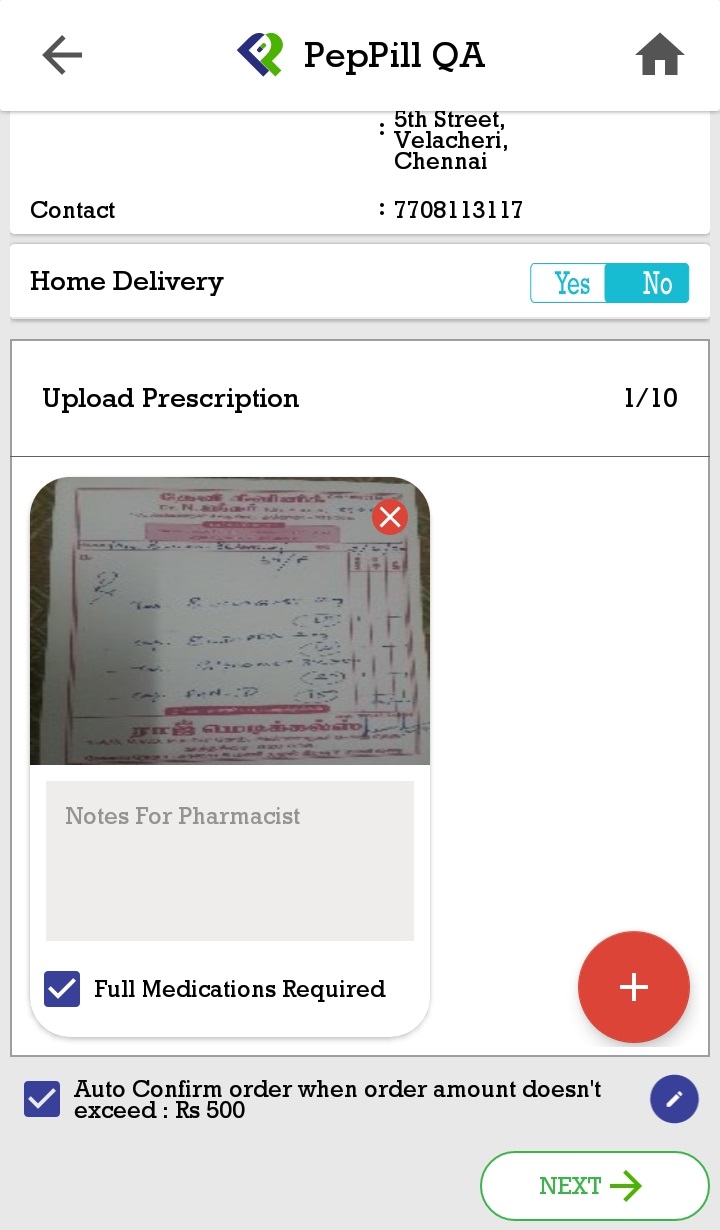
- Then, click on the ‘+’ icon and upload the prescription.
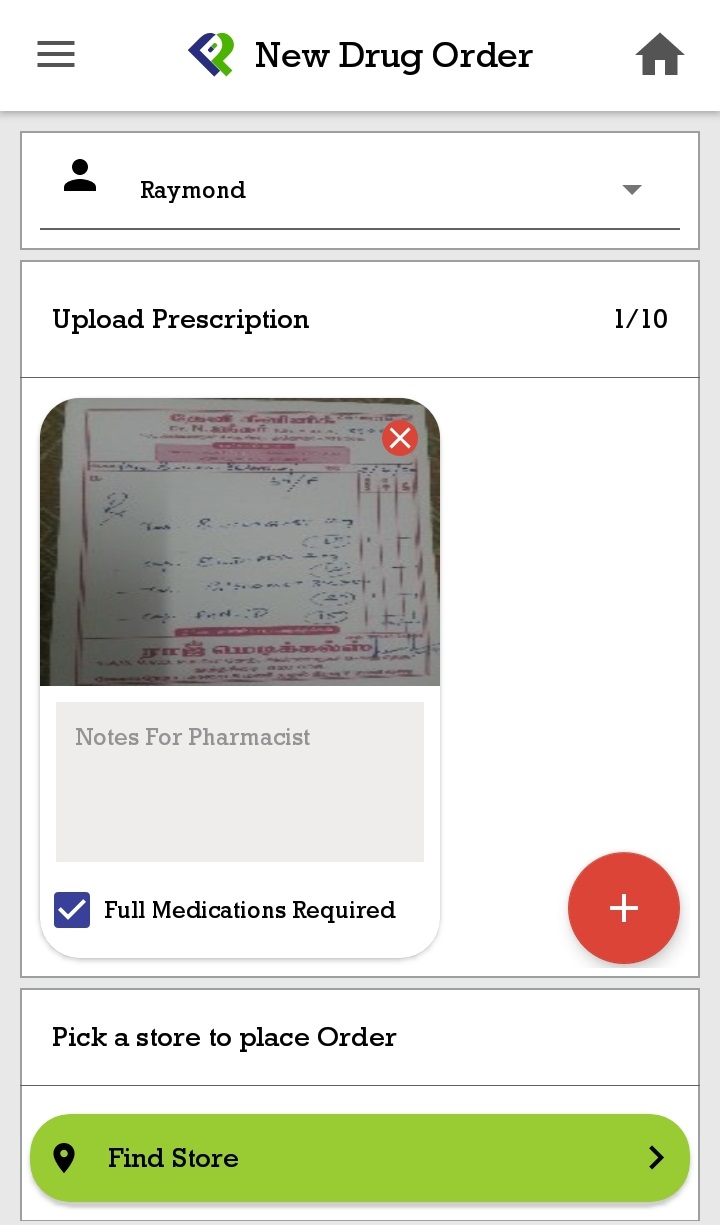
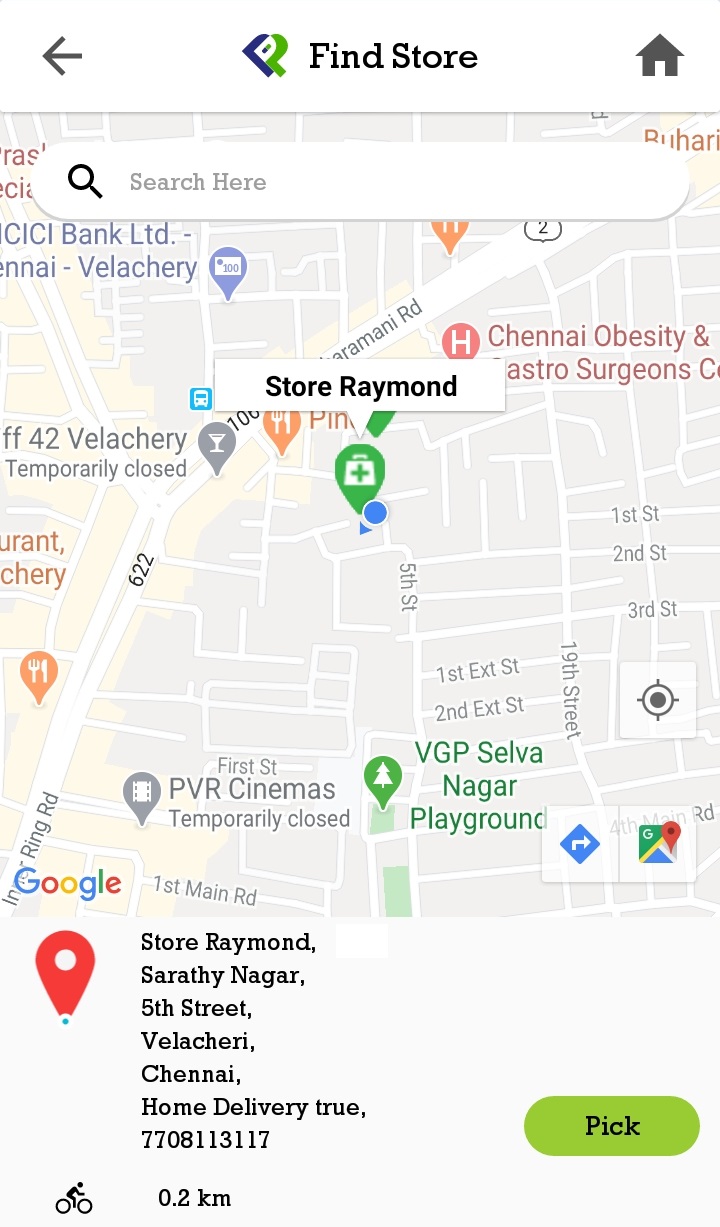
- Next, click on ‘Find Store’ and search for a store near you and select it.
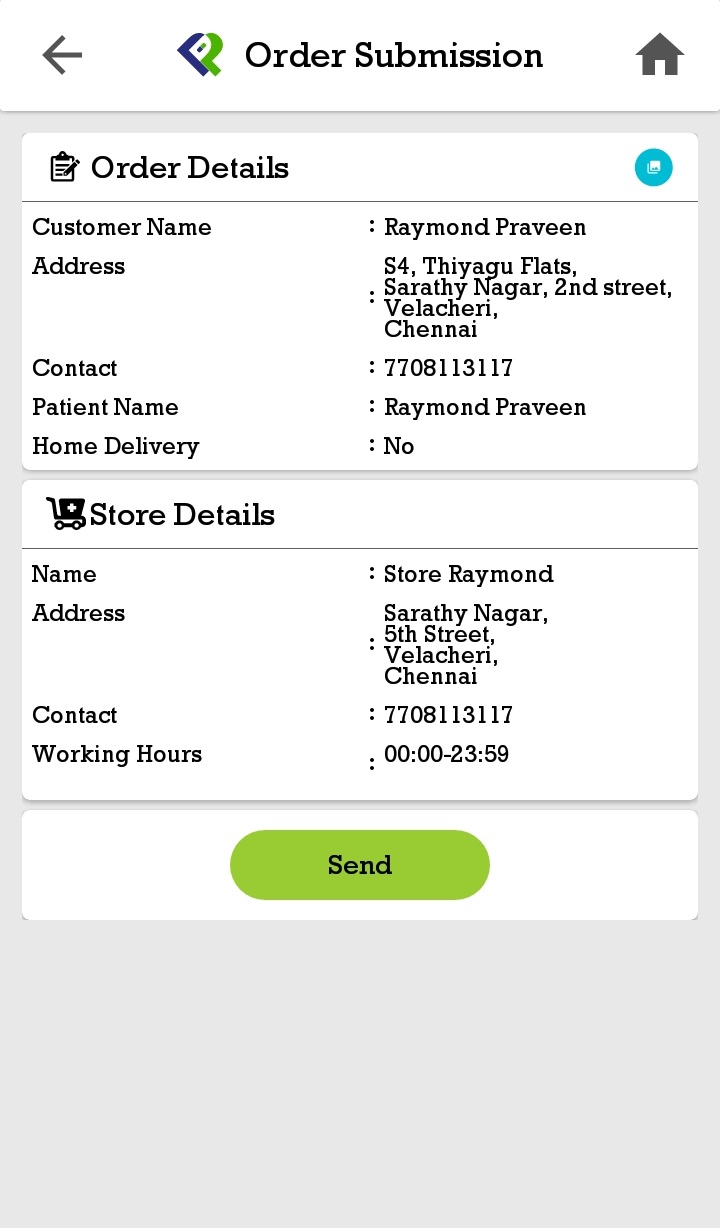
- Then, review your order, then click ‘Next’.
- Finally, confirm your order by clicking ‘Send’ and generating an order number.
Want to know more about PepPill?
Send us your contact details, and we’ll contact you within 1 business day.